There is an old adage in advertising attributed to John Wanamaker: “Half the money I spend on advertising is wasted; the trouble is I don’t know which half.”
In the digital age, that excuse no longer flies. We have the data. We have the technology. If you don’t know which half of your budget is being wasted, it isn’t a tragedy—it’s a choice.
Yet, I still see veteran marketers launching email blasts, influencer campaigns, and paid social ads without proper tracking. They rely on the default channel groupings in Google Analytics (GA4) and hope for the best. The result? “Direct Traffic” spikes that explain nothing and “Referral” data that is messy and actionable.
The solution is simple, free, and universally accepted: UTM Parameters.
This guide is your definitive cheat sheet. We will cover what they are, how to use the five standard parameters, and the strict naming conventions you must follow to keep your data clean.
What Exactly is a UTM?
UTM stands for Urchin Tracking Module. The name comes from Urchin Software Corporation, which was acquired by Google in 2005 to become the foundation of Google Analytics.
In plain English, a UTM is a snippet of text (code) that you add to the end of a URL. It doesn’t change the destination of the page; your user still lands exactly where you want them to. However, it tells your analytics platform exactly how that user arrived.
The Difference:
- Without UTM:
https://marketer.tools/seo-checker- Analytics sees: A user came from “facebook.com”. That’s it. You don’t know if it was a paid ad, a boosted post, or a link in your bio.
- With UTM:
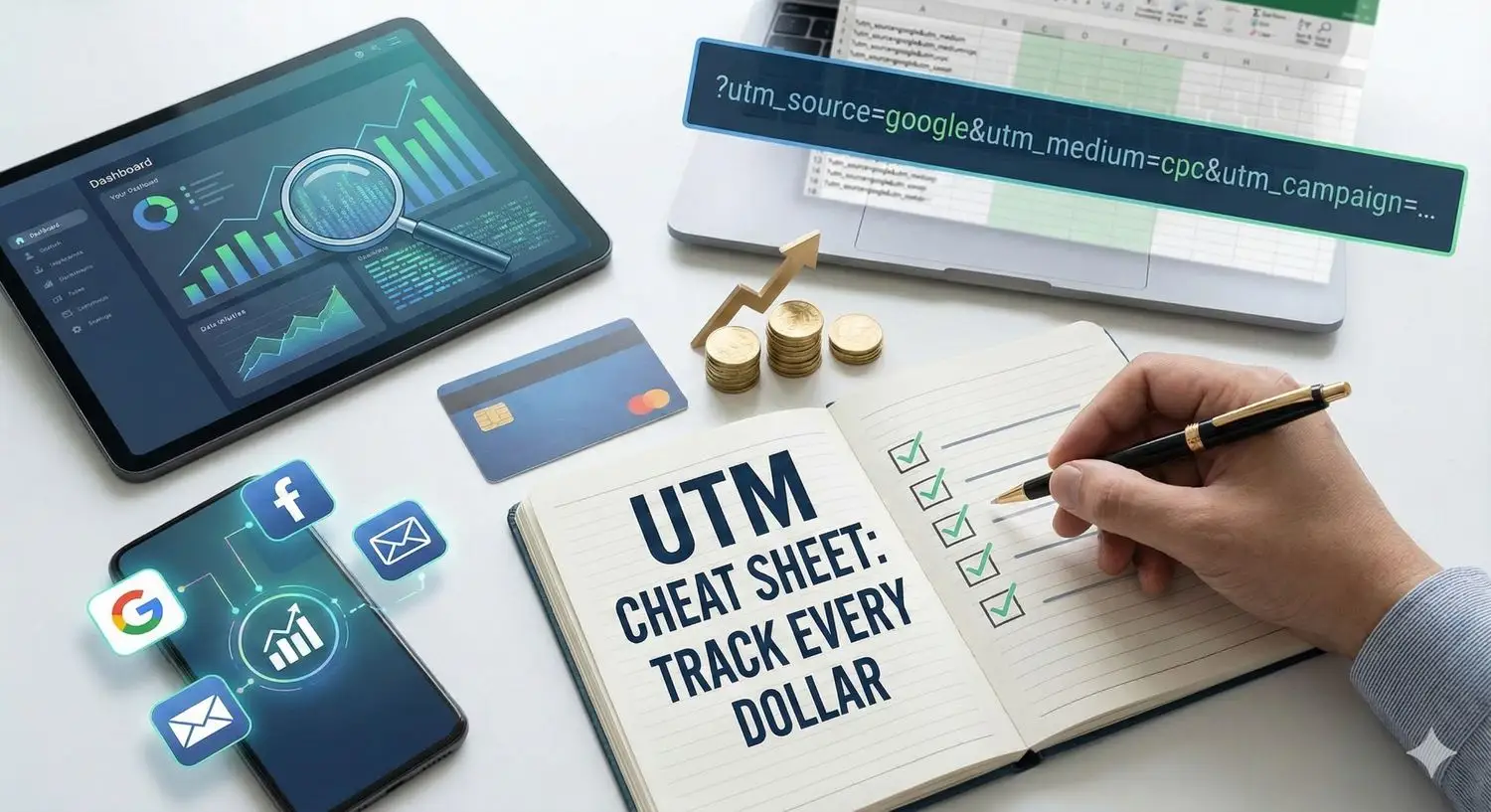
https://marketer.tools/seo-checker?utm_source=facebook&utm_medium=cpc&utm_campaign=winter_promo- Analytics sees: A user came from Facebook, via a Cost-Per-Click (CPC) ad, specifically from the “Winter Promo” campaign.
Suddenly, you aren’t just tracking traffic; you are tracking intent and strategy.
The Anatomy of a UTM: The “Big 5” Parameters
There are five standard parameters you can use. You don’t need all five for every link, but the first three (source, medium, campaign) are non-negotiable for accurate tracking.
1. utm_source (The “Where”)
Mandatory. This identifies the specific advertiser, site, or publication where the traffic is coming from.
- The Question it Answers: Where was the user standing before they clicked?
- Examples:
google,facebook,newsletter,twitter,qr_code. - Common Mistake: Mixing specific names with generic ones (e.g., using
facebook.comfor one link andfbfor another). Stick to one standard, usually the platform name.
2. utm_medium (The “How”)
Mandatory. This is perhaps the most critical tag. It describes the marketing mechanism or channel.
- The Question it Answers: How did the traffic get here? Was it paid? Was it organic? Was it email?
- Examples:
cpc(Cost Per Click – standard for paid ads)email(For newsletters and blasts)social(For organic social posts)affiliate(For partner links)display(For banner ads)
- Pro Tip: Google Analytics 4 (GA4) has default channel groupings based on these terms. If you use
cpc, GA4 automatically categorizes it as “Paid Search.” If you use something obscure likepaid-ad-spend, GA4 might dump it into “Unassigned.” Stick to the standards.
3. utm_campaign (The “Why”)
Mandatory. This identifies the specific product promotion or strategic campaign.
- The Question it Answers: Why are we running this link?
- Examples:
black_friday_2024,summer_sale,webinar_launch,retargeting_v1. - Strategy: This is where you group all your efforts. If you are running a Black Friday sale across Email, Facebook, and Google, the
utm_campaignshould beblack_fridayfor all of them. This allows you to filter by campaign in analytics to see the total aggregate performance across all channels.
4. utm_term (The “What”)
Optional (Mostly for Paid Search). This is used to identify paid keywords.
- The Question it Answers: Which specific keyword triggered this ad?
- Examples:
marketing+tools,free+seo+audit,running+shoes. - Note: If you connect Google Ads directly to Google Analytics, this is often auto-tagged. However, for Bing Ads or other search networks, you must use this manually.
5. utm_content (The “Which”)
Optional. This is used to differentiate between similar content or links within the same ad. It is your best friend for A/B testing.
- The Question it Answers: Which version of the ad did they click?
- Examples:
video_ad,text_link,sidebar_cta,header_button,blue_banner. - Scenario: You send an email with two links to the same landing page—one in the hero image and one in the footer text.
- Link 1:
utm_content=hero_image - Link 2:
utm_content=footer_text - Now you know that 80% of clicks came from the hero image, proving nobody is reading your footer.
- Link 1:
The Golden Rules of UTM Tagging
Creating a UTM is easy. Keeping your data clean is hard. If your data is messy, your reports will be useless. Follow these rules religiously.
Rule 1: Lowercase Everything
Analytics is case-sensitive.
utm_source=LinkedInutm_source=linkedinTo Google, these are two completely different traffic sources. You will split your data and ruin your reporting. Always force lowercase.
Rule 2: No Spaces. Ever.
URLs cannot contain spaces. If you use a space, the browser will convert it to %20, making your reports look ugly and hard to read (e.g., winter%20sale).
- Bad:
utm_campaign=winter sale - Good:
utm_campaign=winter_saleorutm_campaign=winter-sale. Pick one separator (underscore or dash) and stick to it for life.
Rule 3: Never Use UTMs internally
This is the cardinal sin of tracking. Never put UTM parameters on links that go from one page of your website to another page of your website (e.g., from your Homepage to your Pricing page).
- Why? When a user clicks an internal UTM link, the current session restarts. The original source (e.g., Google Search) is overwritten by the new internal source. You lose the attribution of how they actually found you.
- Exception: Only use UTMs for links pointing inbound to your site from external locations.
Managing the Chaos: The “Spreadsheet” Method
If you are a solo marketer, you can generate links on the fly using a UTM builder tool (like the one we offer here at Marketer.tools).
However, if you are part of a team, you need a Master Governance Spreadsheet. Create a shared Google Sheet with columns for Source, Medium, Campaign, and the final URL. This ensures that:
- Everyone uses the same spelling (e.g., agreeing to use
facebookinstead offb). - You have a historical record of every link you have ever placed.
- You can spot duplicates or naming errors before the campaign launches.
Interpreting the Data
So, you’ve tagged everything perfectly. Now what?
In Google Analytics 4 (GA4), navigating to your UTM data requires a slight shift from the old Universal Analytics:
- Go to Reports -> Acquisition -> Traffic Acquisition.
- By default, the table shows “Session primary channel group” (e.g., Organic Social, Paid Search).
- Click the dropdown arrow on that column header.
- Select Session source/medium.
Now, you will see the raw truth. You might see that facebook / cpc has a high bounce rate, while newsletter / email has the highest conversion rate.
This is the moment of clarity. You can now stop guessing. You can confidently cut the budget for the campaigns that are bleeding money and double down on the specific creatives (tracked via utm_content) that are driving revenue.
Conclusion
Data is only as good as the input. If you put garbage in, you get garbage out.
UTM parameters are the difference between “feeling” like a campaign worked and “knowing” it worked down to the penny. It takes an extra 30 seconds to generate a tracked link, but that 30 seconds saves you hours of reporting headaches and potentially thousands of dollars in wasted ad spend.
Don’t launch it if you can’t track it. Happy tagging.