
As digital marketers, we often get stuck speaking in the language of metrics: click-through rates, bounce rates, and conversion percentages. But clients and stakeholders speak a different language: Profit and ROI.
Bridging that gap is the hardest part of the job. When you propose a $5,000 CRO project, the client doesn’t care that you might increase the conversion rate from 2.0% to 2.4%. They care about how quickly they get that $5,000 back.
That is why we built this Landing Page ROI Calculator. It is designed to instantly translate “marketing math” into “business math,” helping agencies and freelancers prove the financial value of their optimization efforts.
1. What Is This Landing Page ROI Calculator?
The Landing Page ROI Calculator is a browser-based utility designed for growth marketers, CRO specialists, and agency owners.
Unlike simple traffic calculators that only look at top-line revenue, this Landing Page ROI Calculator digs deeper. It factors in Gross Margin and Project Costs to determine the actual profitability of a campaign. It answers the three most important questions a client has:
- How much extra revenue will this generate?
- How much profit do I keep after margins?
- How many days will it take to pay back the agency fee?
2. How to Use This Landing Page ROI Calculator?
We designed the interface to be a “single-view” dashboard. You don’t need to navigate multiple pages; everything updates in real-time.
- Enter Baseline Metrics: Input your current Monthly Sessions, Baseline Conversion Rate (e.g., 2.0%), and Average Order Value (AOV).
- Set Financial Context: Enter your Gross Margin %. This is crucial because revenue is vanity, but profit is sanity. The Landing Page ROI Calculator needs to know how much of that revenue the client actually keeps.
- Define the “What If”: In the “Performance Uplift” section, choose a target increase. You can set a relative uplift (e.g., “We expect a 20% improvement”) or an absolute uplift (e.g., “We want to hit a 2.5% conversion rate”).
- Add Costs (Optional): Input your monthly ad spend to see ROAS changes, and input your one-time Project Cost (your agency fee) to calculate the payback period.
- Analyze & Copy: The dashboard on the right immediately shows the projected profit increase. Use the “Copy ROI Summary” button to grab a pre-formatted text snippet you can paste directly into a client email or Slack channel.
3. The Logic
Transparency is key. We didn’t want this calculator to be a “black box,” so we built the formulas to be visible right on the page. Here is the logic driving the numbers:
- New Conversion Rate: We calculate the new rate based on your projected uplift.
- Logic:
Base Rate × (1 + Uplift %)
- Logic:
- Incremental Revenue (Top-Line): This is the total extra cash flow generated solely by the improved conversion rate.
- Logic:
(New Rate - Old Rate) × Traffic × AOV
- Logic:
- Monthly Profit Increase: This is the most important metric. It takes the incremental revenue and removes the Cost of Goods Sold (COGS).
- Logic:
Incremental Revenue × Margin %
- Logic:
- Payback Period (Days): Instead of vague “months,” we calculate exactly how many days of extra profit it takes to cover your fee.
- Logic:
Project Cost ÷ Daily Extra Profit
- Logic:
4. Technical Specs
For the developers and technical marketers reading this, the Landing Page ROI Calculator is built to be lightweight and easily embeddable.
- Architecture: Pure HTML, CSS, and Vanilla JavaScript. It requires no external libraries (like jQuery) or heavy frameworks.
- Responsive Design: It utilizes CSS Grid and Flexbox to ensure the dashboard looks perfect on 4K desktop monitors and mobile phone screens alike.
- Performance: The calculation logic happens instantly in the client’s browser (client-side execution), ensuring zero latency.
- Iconography: Uses the Phosphor Icons library for a clean, modern UI.
5. Important Note: The Math of Percentages
A common confusion in ROI calculations is how percentages are handled in formulas.
When you see a calculation for Gross Profit, you might calculate $100,000 × 40% and get a weird number on a standard calculator if you aren’t careful.
In this Landing Page ROI Calculator, we handle the decimal conversion for you.
- If you enter a 40% margin, the code mathematically treats it as 0.40.
- If you enter a 2.4% conversion rate, the code treats it as 0.024.
We have rigorously tested the formulas to ensure that when we say “Incremental Revenue,” we are calculating the exact dollar difference between your old conversion rate and your new one.
6. Why Agency Teams Should Start Using This Landing Page ROI Calculator?
Speed Wins Deals
When you are on a sales call, you don’t have time to open Excel, check formulas, and format cells. This Landing Page ROI Calculator allows you to plug in a prospect’s numbers live on the call and say, “Based on your traffic, a 20% lift would pay for our services in just 18 days.”
Separating Revenue from Profit
Many calculators over-promise by showing Revenue only. If a client runs a low-margin e-commerce store (e.g., 20% margin), showing them $100k in extra revenue is misleading if they only pocket $20k. This Landing Page ROI Calculator forces the conversation to focus on Gross Profit, building trust with financially savvy business owners.
The “Leap Year” Toggle
It’s a small detail, but accuracy matters. We included a toggle to switch the payback calculation between a standard 365-day year and a 366-day leap year. It demonstrates an attention to detail that clients appreciate.
7. Privacy & Security: Zero Data Retention
In an era of data privacy concerns, we built this Landing Page ROI Calculator with a Zero Data Retention policy.
- Client-Side Only: All calculations happen inside your web browser.
- No Database: We do not store, save, or transmit the data you enter.
- Instant Wipe: As soon as you refresh the page or close the tab, the data is gone forever.
You can safely use this Landing Page ROI Calculator with sensitive client financial data (like Gross Margin and Ad Spend) knowing that it never leaves your computer.
Critical Note
While this Landing Page ROI Calculator provides precise mathematical projections, remember that traffic quality matters. A conversion rate uplift assumes that the quality of traffic remains consistent. If you double your traffic with low-quality leads, your conversion rate will naturally drop. Always use this calculator to model potential scenarios based on consistent traffic sources.
Explore Our Tool Library
- Campaign Pacing Tool
- Annual Advertising Media Pacing Calculator
- A/B Test Sample Size Calculator
- Media Mix Planner
- Break-Even ROAS Calculator: The Ultimate Profitability Tool for E-commerce
- PPC/Google Ads Keywords: Free Match Type Wrapper & Cleaner
- Incrementality Calculator: CPA & ROAS
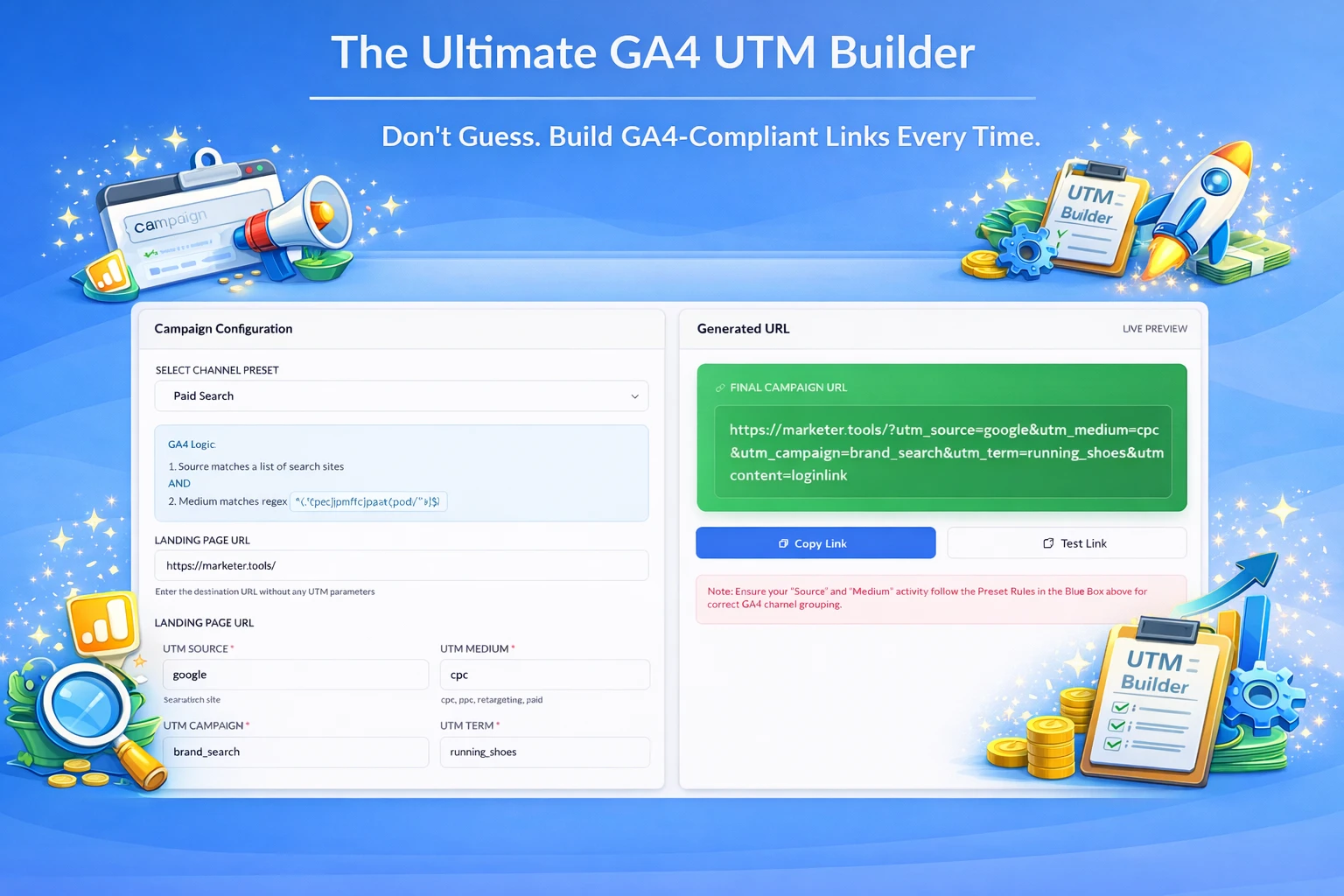
- The Ultimate GA4 UTM Builder: Stop Losing Traffic to “Unassigned”
Frequently Asked Questions (FAQ)
1. How is this different from other ROI calculators?
Most standard calculators focus only on “Revenue” (top-line sales). This Landing Page ROI Calculator allows you to input your Gross Margin %, which calculates the actual Gross Profit—the money you keep after Cost of Goods Sold. This provides a much more realistic picture of a campaign’s financial success.
2. How is “Incremental Revenue” calculated in this Landing Page ROI Calculator?
We strictly isolate the value of the optimization. We subtract your Baseline Conversion Rate from the New Conversion Rate to find the difference (the lift), and then multiply only that difference by your traffic and Average Order Value. This ensures we are only counting the extra money generated by the project.
3. Why is the Payback Period measured in days instead of months?
Agencies and freelancers often need to justify their fees quickly. Measuring payback in days (e.g., “14 days to break even”) is a more compelling sales argument than “0.5 months.” We also included a “Year Type” toggle to ensure accuracy during leap years (366 days) vs. standard years (365 days).
4. Does this Landing Page ROI Calculator save my financial data or margin info?
No. As mentioned in our Privacy & Security section, this Landing Page ROI Calculator runs entirely “client-side” in your browser. There is no database, and no data is sent to us. Once you close the tab, your input data (including sensitive margin and ad spend figures) is gone forever.
5. What should I enter for “Uplift Value”?
You can choose between two modes:
- Relative Uplift: Calculates a percentage increase on your current rate (e.g., a 20% boost on a 2% rate = 2.4%).
- Absolute Uplift: Simply adds percentage points (e.g., adding 0.5 points to a 2% rate = 2.5%). Use whichever matches your reporting style.
6. Why do I need to enter “Project Cost”?
Entering a Project Cost (such as your monthly retainer or a one-time project fee) unlocks the ROI and Payback Period calculations. This allows the Landing Page ROI Calculator to tell you exactly how long it will take for the extra profit generated to cover the cost of your services.